You are unsure whether a link should be permanent.
Choose the right tool
Bookmarks vs tab managers: which should you use?
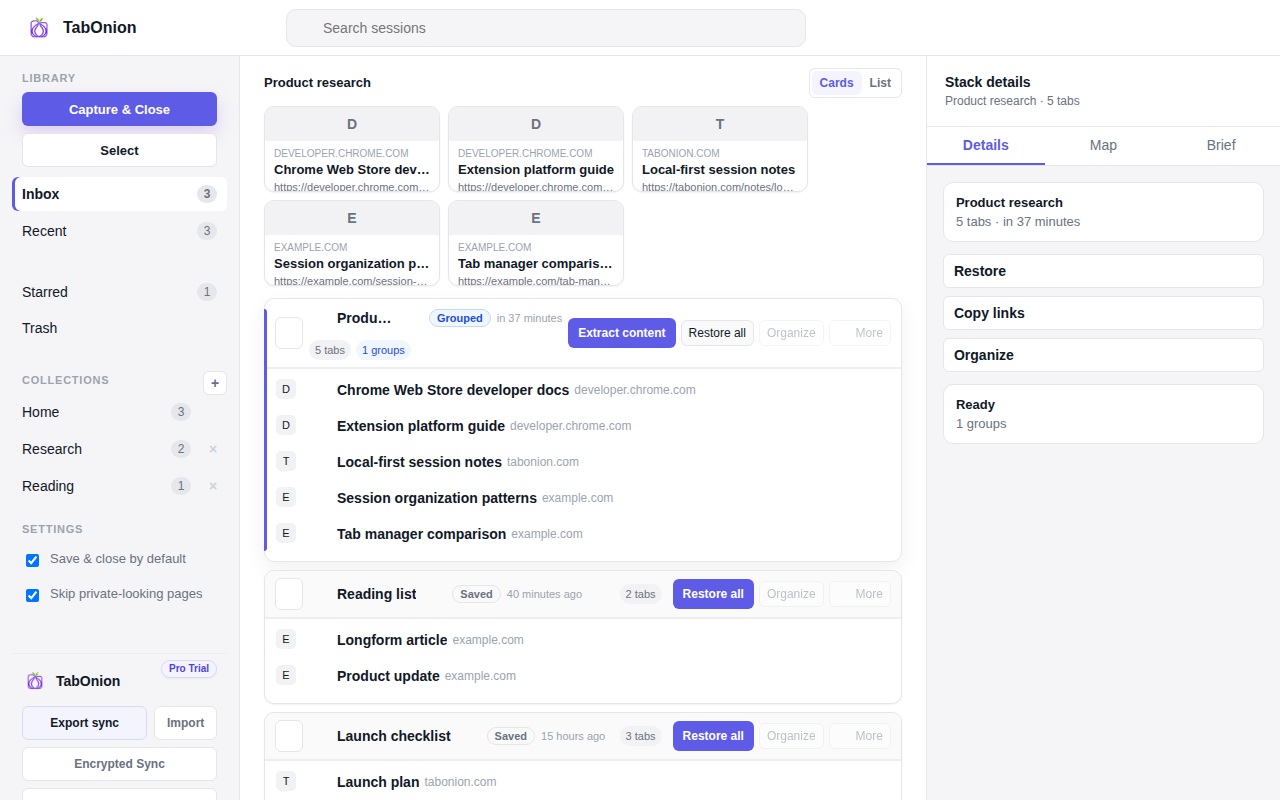
Use bookmarks for long-term reference links and a tab manager for active work states you want to pause, close, restore, or export. TabOnion is designed for selected sessions and context packs, not for replacing every permanent bookmark.
Short answer
Bookmarks store links; tab packs preserve work states.
Compare bookmarks and tab managers for saved links, active work, research sessions, restore flows, and local-first privacy.
Good fit when
Your bookmarks are full of links you never revisit.
You need to pause active work, not archive every page.
How to do it with TabOnion
- Bookmark stable long-term references.
- Save active tab groups as packs.
- Export or delete packs after the task is done.
Bookmarks are references
A bookmark is useful when you know a page is worth keeping beyond the current task.
Tab packs are work states
A pack is useful when several pages belong to one temporary project, comparison, research question, or writing session.
The real issue is resurfacing
Many saved links fail because users cannot remember why they saved them. A named pack keeps the context closer to the links.
Common questions
Should TabOnion replace bookmarks?
No. It complements bookmarks by handling active sessions and temporary work context.
What is a bookmark graveyard?
It is a collection of saved links that are rarely revisited because they lack timing, context, or clear next action.