Direct answer
How to close tabs without losing them
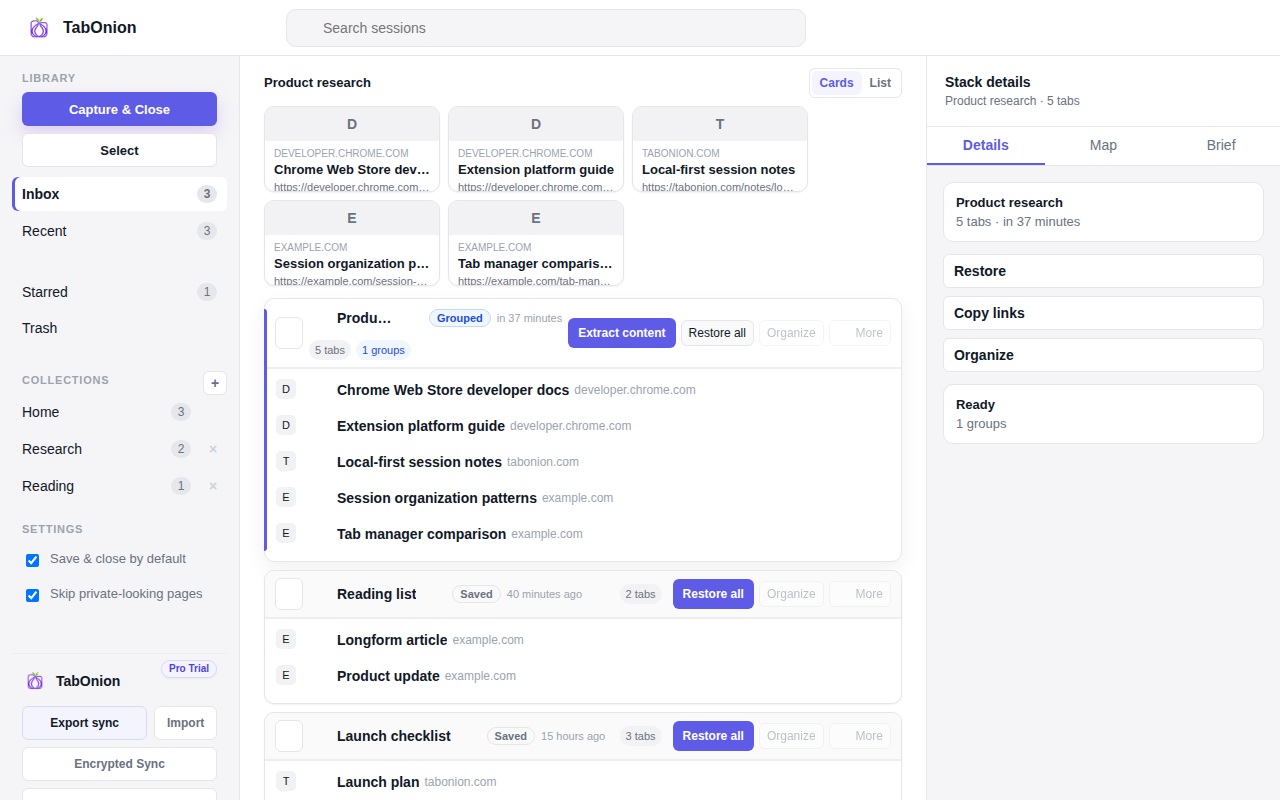
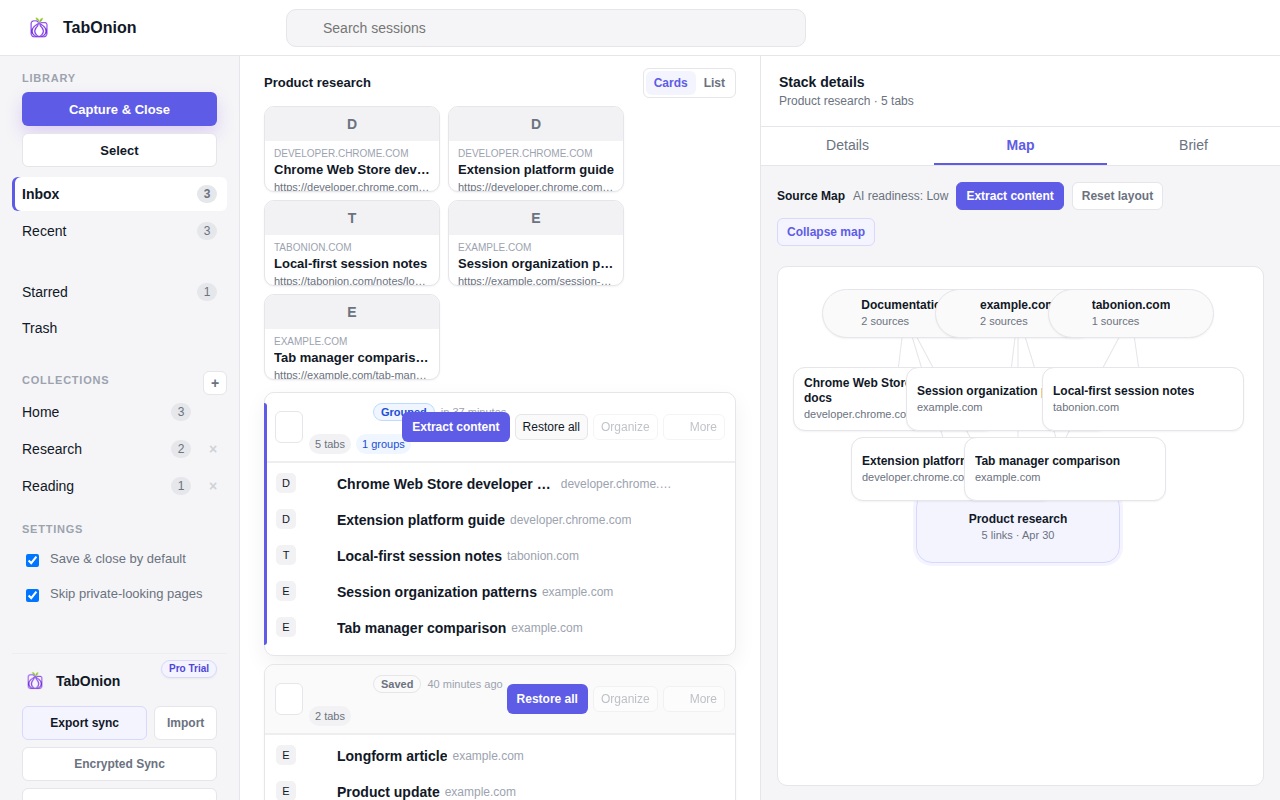
Close browser tabs without losing your work by saving the selected tabs first, keeping a local restore point, and exporting links when needed.
Guides
TabOnion guides are written for the way people describe the problem before they know they need a tab manager: too many tabs, fear of losing context, bookmark overload, research source lists, Markdown export, and AI-ready browser context.

Direct answer
Close browser tabs without losing your work by saving the selected tabs first, keeping a local restore point, and exporting links when needed.
Direct answer
Save open Chrome tabs for later as local TabOnion packs that can be restored, searched, copied, or exported when the task returns.
Pain capture
Too many browser tabs usually means unfinished context. Save selected tabs into a local pack, close the clutter, and return later.
Performance
Reduce Chrome tab memory pressure by saving selected tabs first, closing them, and restoring the context later.
Utility
Copy selected browser tabs as a clean link list, then restore, share, or export the saved TabOnion pack later.
Utility
Export selected browser tabs as Markdown links for docs, notes, issue reports, research packets, and AI prompts.
Workflow
Save research tabs into a local TabOnion pack so a source trail can be restored, shared, copied, or exported to Markdown.
Find again
Avoid losing useful pages in browser history by saving important tabs into searchable local packs while the context is fresh.
Comparison
Compare bookmarks and tab managers for saved links, active work, research sessions, restore flows, and local-first privacy.
Comparison
Read-later apps save articles; tab savers preserve browser work states, research trails, and groups of pages to restore later.
Definition
A local-first tab manager saves selected browser sessions on your device first, with explicit export or sync only when you choose it.
AI context
Prepare browser tabs for ChatGPT by saving the source set, reviewing it, and exporting clean Markdown context instead of pasting raw clutter.
Restore workflow
Restore a closed browser session more selectively by saving the tabs that matter first, then reopening only the work you need.
Project workflow
Organize Chrome tabs by project by saving selected pages into named local stacks that can be restored, copied, or exported.
Comparison
Browser history records what happened over time; saved tab stacks preserve the intent behind a project, source list, or task.
Restart workflow
Save tabs before restarting Chrome so active work has a local restore point and you do not need to reopen the whole old window.
Tab cleanup
Clean up browser tabs by capturing selected work first, closing the clutter, and returning later with restore or Markdown export.