Chrome feels heavy because too many tabs are open.
Browser cleanup
Chrome using too much memory because of tabs?
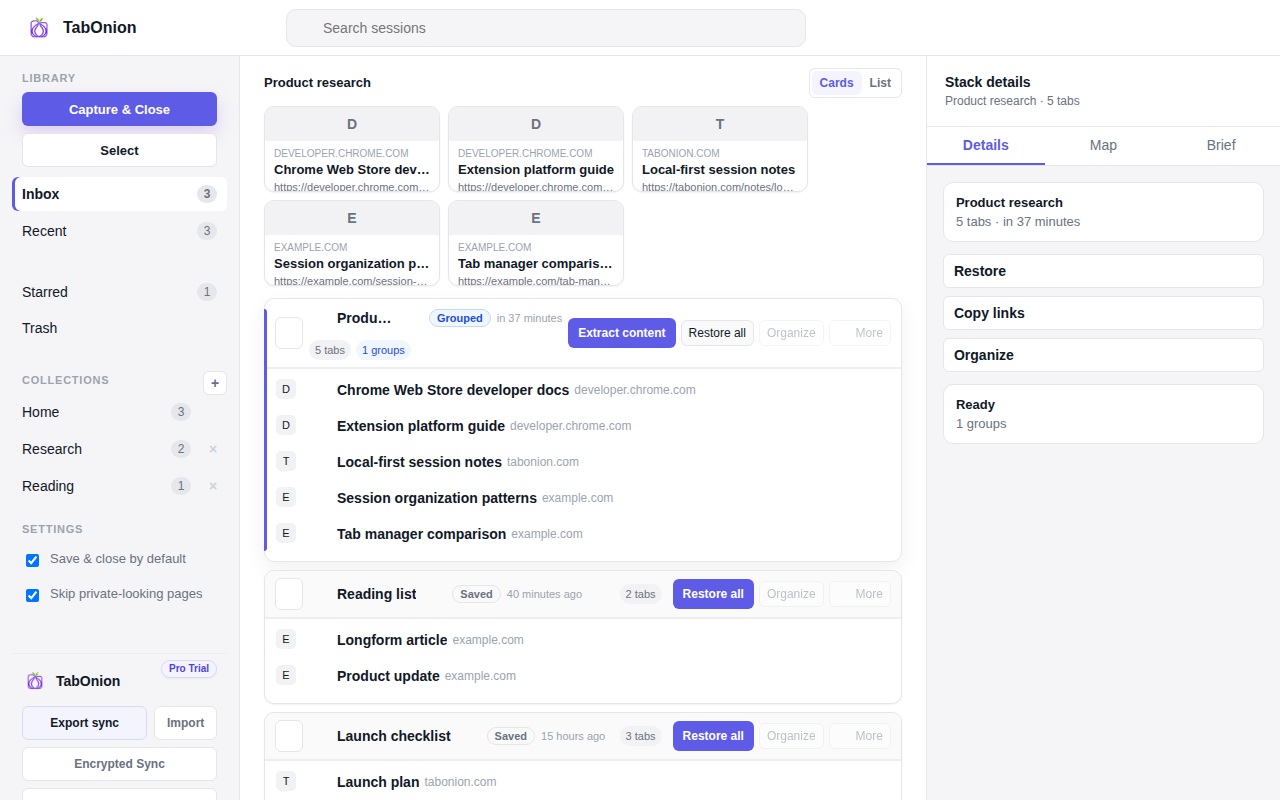
If Chrome is using too much memory because many tabs are open, save the tabs you still need before closing them. TabOnion preserves selected tab titles and URLs locally so you can free the browser window without losing the work trail.
Short answer
Free memory after saving the context.
Reduce Chrome tab memory pressure by saving selected tabs first, closing them, and restoring the context later.
Good fit when
You want to close tabs only after saving what matters.
You need a session saver rather than a tab suspender.
How to do it with TabOnion
- Capture selected task tabs.
- Close the captured tabs to reduce open-tab load.
- Restore only the pack you need later.
Memory tools suspend tabs; TabOnion saves work
Chrome performance tools can reduce resource use for inactive tabs, but they do not replace a named, restorable work session.
Close with a recovery path
The practical sequence is save, close, then restore later. That is different from simply killing tabs and hoping browser history is enough.
Privacy boundary
TabOnion does not need cookies, passwords, or page contents to save a tab list.
Common questions
Does TabOnion directly optimize Chrome memory?
No. It helps you safely close tabs after saving their titles and URLs, which can reduce the number of open tabs.
Is this a tab suspender?
No. A suspender keeps tabs open but inactive; TabOnion saves a restorable pack so tabs can be closed.