You are not ready to decide what belongs in bookmarks.
Practical guide
Save tabs for later without building a bookmark graveyard
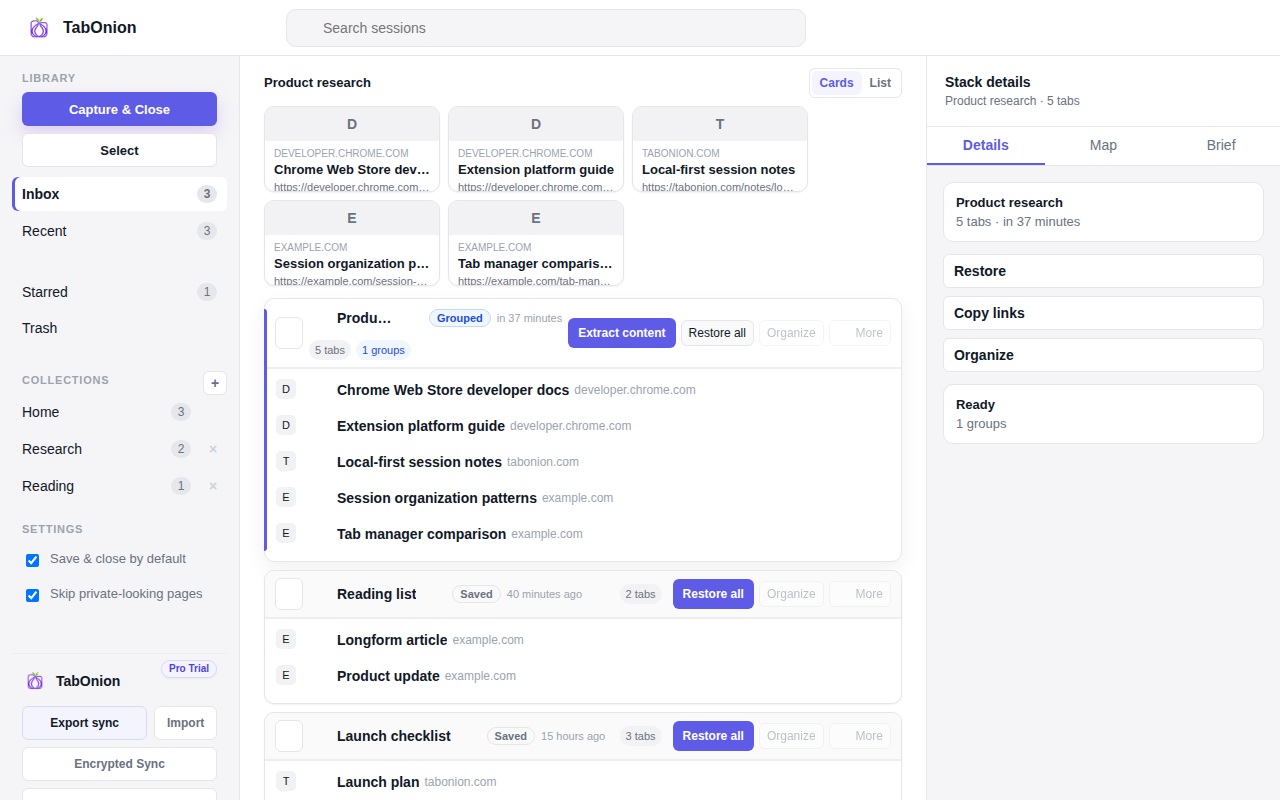
Saving tabs for later works best when the saved object is a session, not a pile of unrelated bookmarks. TabOnion lets you capture selected tabs into a local pack so the work can be paused, closed, and restored later with its context intact.
Short answer
A pause button for browser work.
Save open Chrome tabs for later as local TabOnion packs that can be restored, searched, copied, or exported when the task returns.
Good fit when
You want to pause a task and continue later.
You need a saved session you can restore or export.
How to do it with TabOnion
- Capture the current task tabs.
- Close them to reduce clutter.
- Restore or export the pack when you continue.
Bookmarks are too permanent for active work
A bookmark is useful for a reference you want to keep. A tab pack is better for a temporary project, shopping comparison, writing session, debugging trail, or research task you plan to resume.
Name the work, not every link
Instead of filing every page, give the pack a practical title like 'pricing research' or 'bug report sources'. The pack keeps the links together until you decide whether they deserve a permanent home.
When to export
Export links or Markdown when the session needs to move into notes, documentation, issue trackers, or AI prompts.
Common questions
Is saving tabs for later the same as bookmarking?
No. Bookmarks are long-term references; saved tab packs are work states that can be restored or exported.
Can I save only selected tabs?
Yes. TabOnion is designed around selected-tabs capture rather than saving everything by default.