You are saving a group of pages, not a single article.
Choose the right tool
Read-later app vs tab saver: what is the difference?
A read-later app is best for articles you intend to read. A tab saver is better for a browser work state: research pages, dashboards, docs, comparisons, and source lists you may need to restore together.
Short answer
Articles are not the same as active work.
Read-later apps save articles; tab savers preserve browser work states, research trails, and groups of pages to restore later.
Good fit when
A reading queue does not preserve the whole task.
You want to restore a browser workspace later.
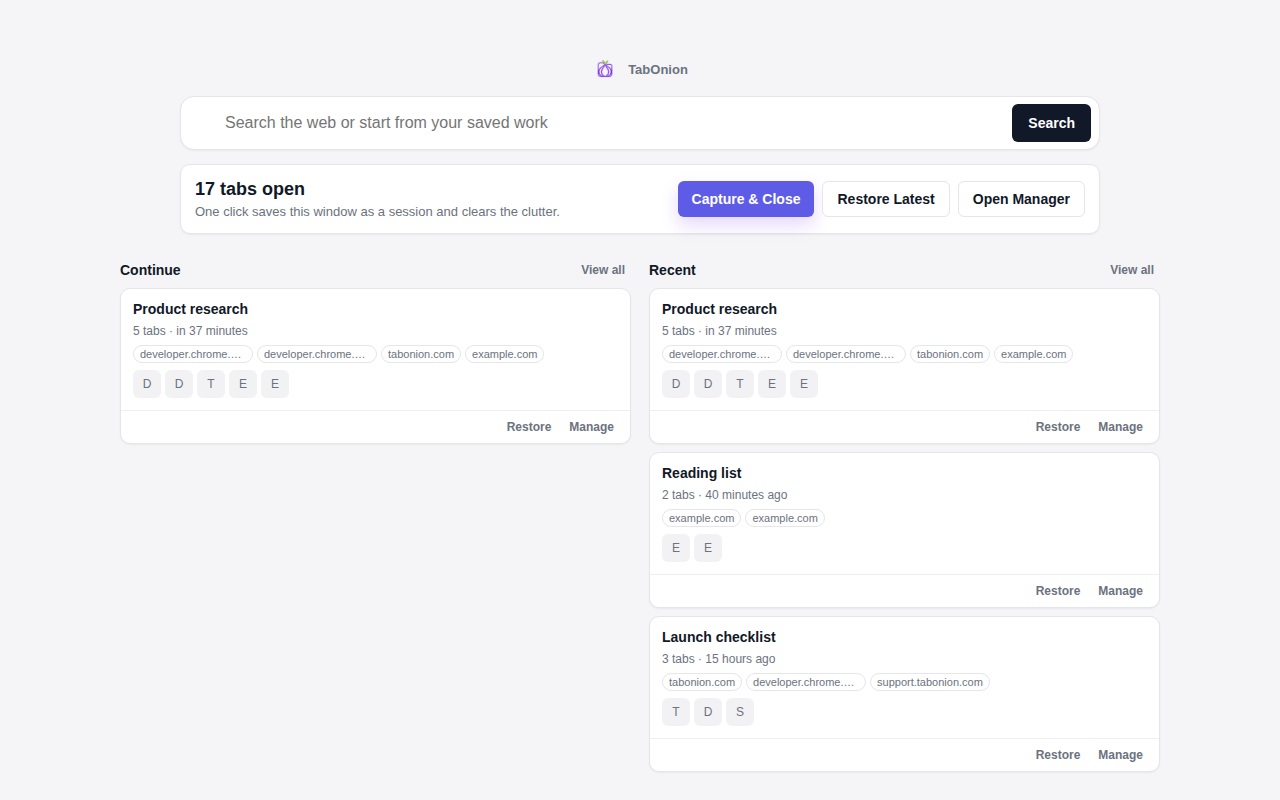
How to do it with TabOnion
- Use read-later for articles.
- Use tab packs for active browser sessions.
- Export the pack when the session becomes a source list.
Read-later is content-centric
Read-later tools usually save individual pages for later reading or annotation.
Tab saving is workflow-centric
A tab saver keeps a group of pages together so the user can pause and resume a task.
Some sessions become notes
When a tab pack needs to move into writing, documentation, or AI, Markdown export becomes more useful than a reading queue.
Common questions
Can a tab saver store articles?
Yes, but its main strength is preserving groups of related pages.
When should I use TabOnion instead of Pocket or a clipper?
Use TabOnion when the whole tab set matters, not just one page.