Your browser window has become hard to scan.
Tab overload
Too many tabs open? Save the context before you clean up
Too many open tabs are often a symptom of unfinished work, not just poor organization. Before closing them, save the tabs that still represent a task so you can reduce clutter without losing your place.
Short answer
Too many tabs is often unfinished context.
Too many browser tabs usually means unfinished context. Save selected tabs into a local pack, close the clutter, and return later.
Good fit when
Several tabs belong to unfinished tasks.
You want relief without deleting the context.
How to do it with TabOnion
- Scan the window for tabs that belong to the same task.
- Capture that group into a pack.
- Close the captured tabs and keep working from a calmer browser.
Tabs are external memory
People keep tabs open because each tab reminds them of something to read, compare, cite, buy, fix, or send. A cleanup tool should preserve that memory before removing the visual pile.
Reduce clutter in one action
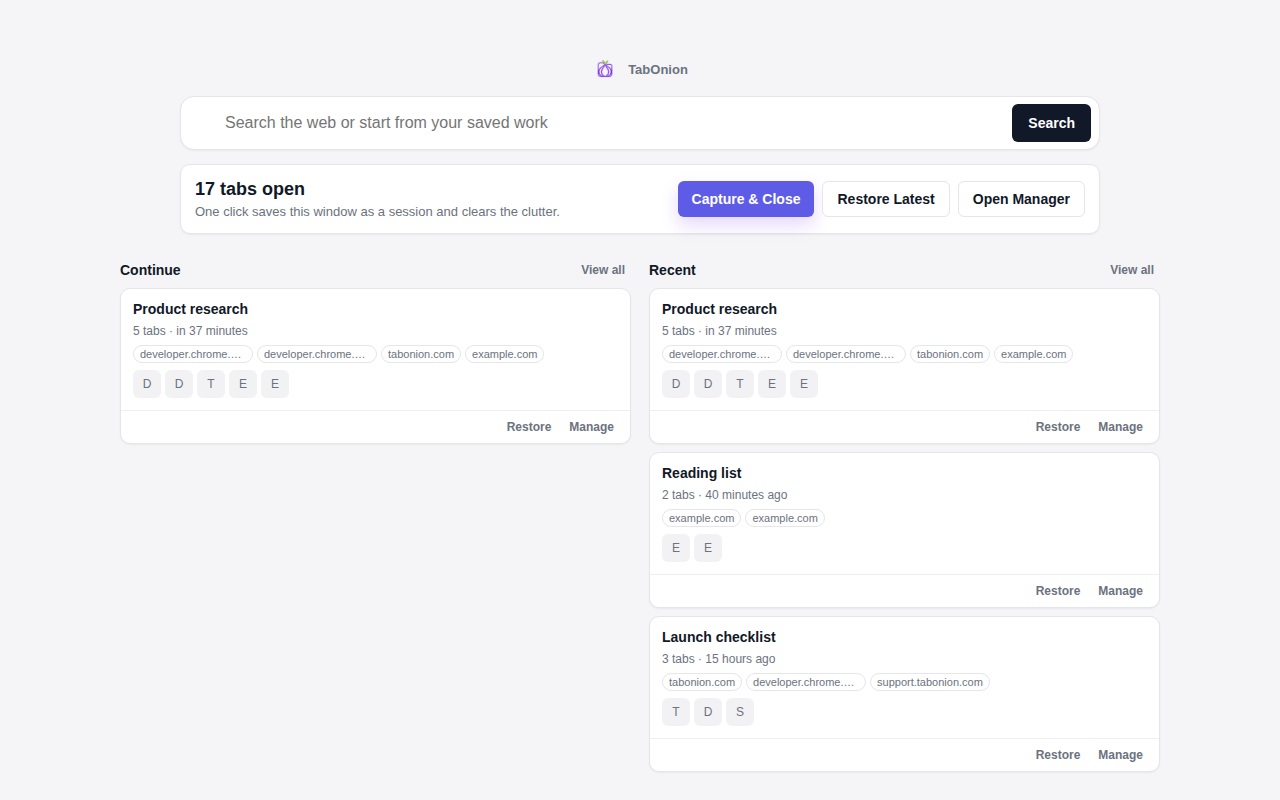
TabOnion's Cap & Close flow turns selected tabs into a local pack, then lets you close them with confidence.
Do not organize too early
The first step is capture. Naming, exporting, and deeper organization can happen after the immediate overload is gone.
Common questions
Why do I keep so many tabs open?
Often because the tabs represent decisions, references, or tasks you do not want to lose.
Should I bookmark all open tabs?
Only if they are long-term references. For active work, a restorable tab pack is usually a better fit.