You keep re-searching pages you already found.
Choose the right tool
Browser history vs saved tab stacks
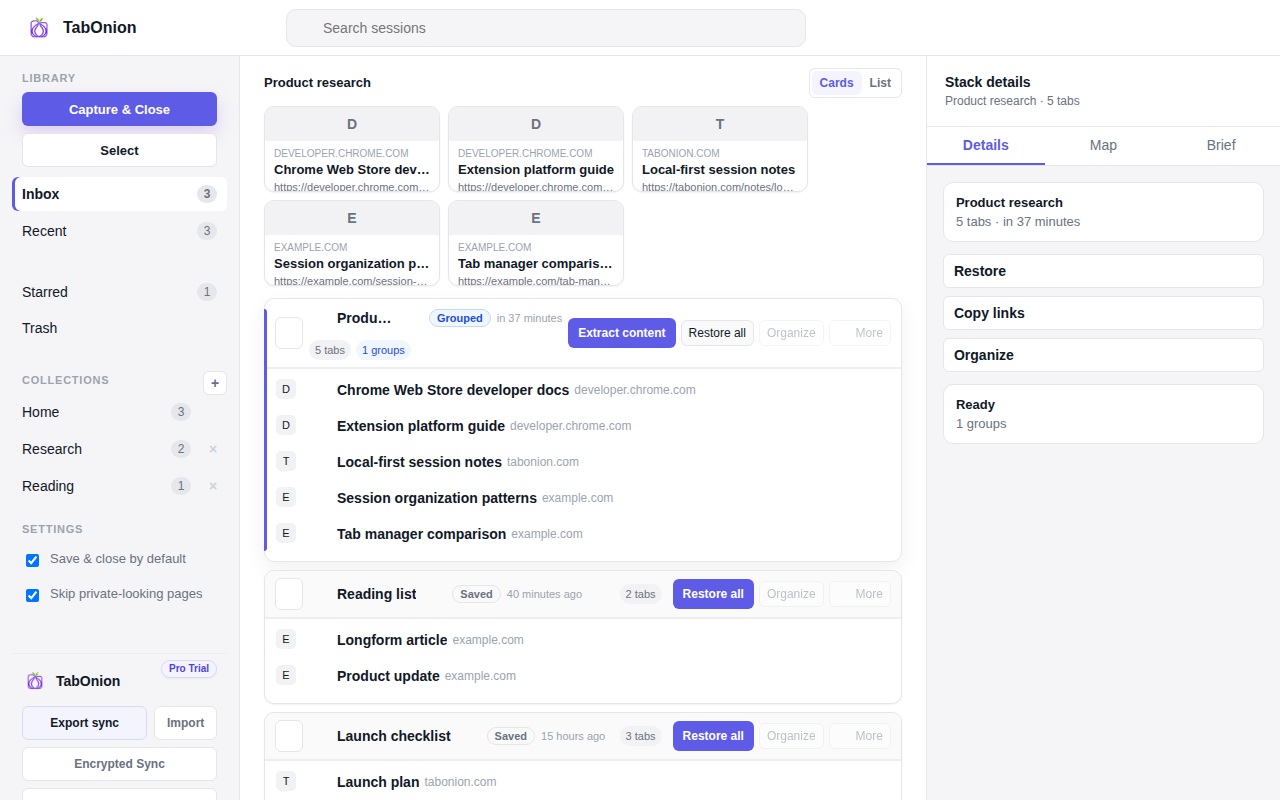
Browser history is useful when you remember roughly when you visited a page. A saved tab stack is better when several pages belong to one project and you want to restore, copy, or export the set later.
Short answer
History records time; stacks preserve intent.
Browser history records what happened over time; saved tab stacks preserve the intent behind a project, source list, or task.
Good fit when
Browser history is too chronological for project work.
You want to preserve why a set of pages mattered.
How to do it with TabOnion
- Use history to rediscover pages from broad browsing.
- Capture project pages once they become useful.
- Restore or export the stack instead of repeating the original search.
History is chronological
Browser history mixes searches, redirects, apps, documentation, shopping, articles, and mistakes into one timeline. It rarely remembers why a page mattered.
Stacks are project-scoped
A saved stack groups pages by task or question. That makes it easier to find the source trail weeks later.
Use both intentionally
History is still useful for broad recovery. A stack is better for work you already know is worth preserving.
Common questions
Does TabOnion replace browser history?
No. It complements history by saving pages you explicitly group into a project stack.
Why is history hard to use for research?
Research is organized by questions and decisions, while history is organized by time.