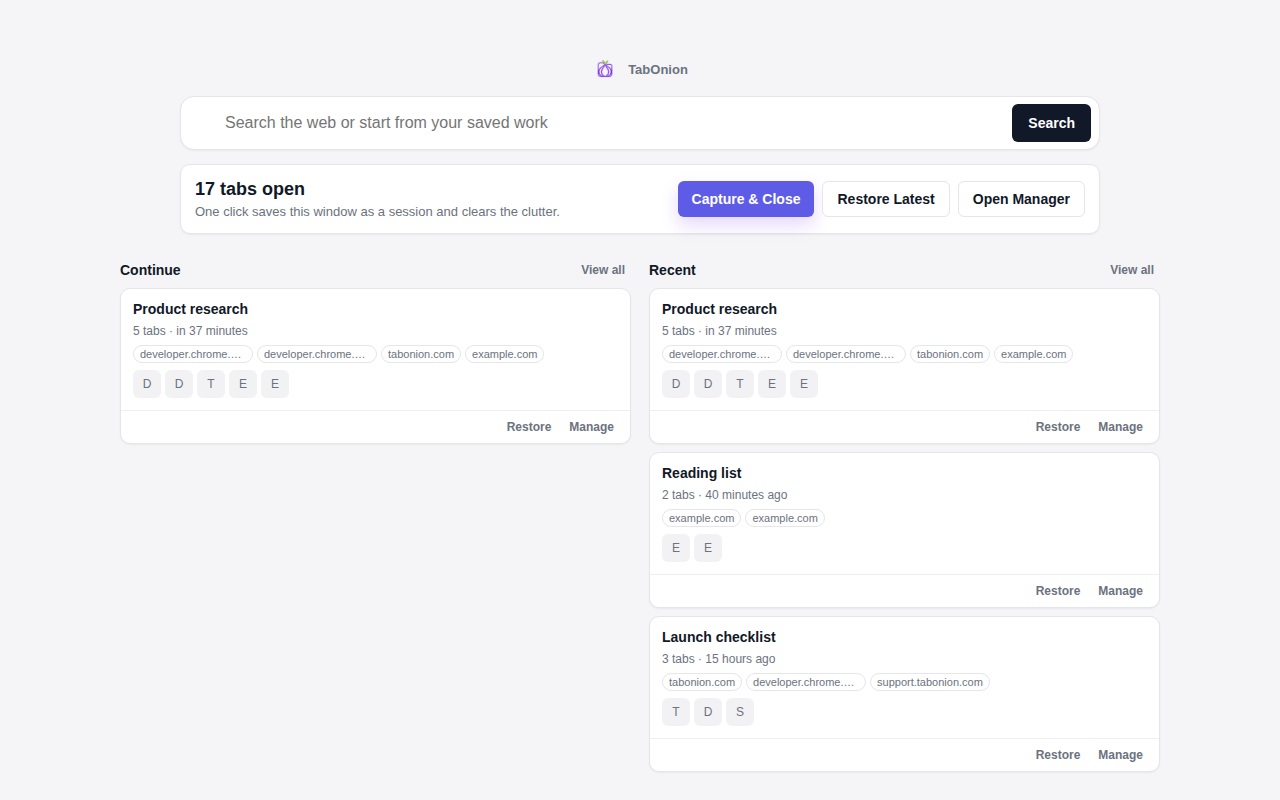
Selected capture
Capture should happen at the moment you still remember why the tabs matter.
Source stack workflow
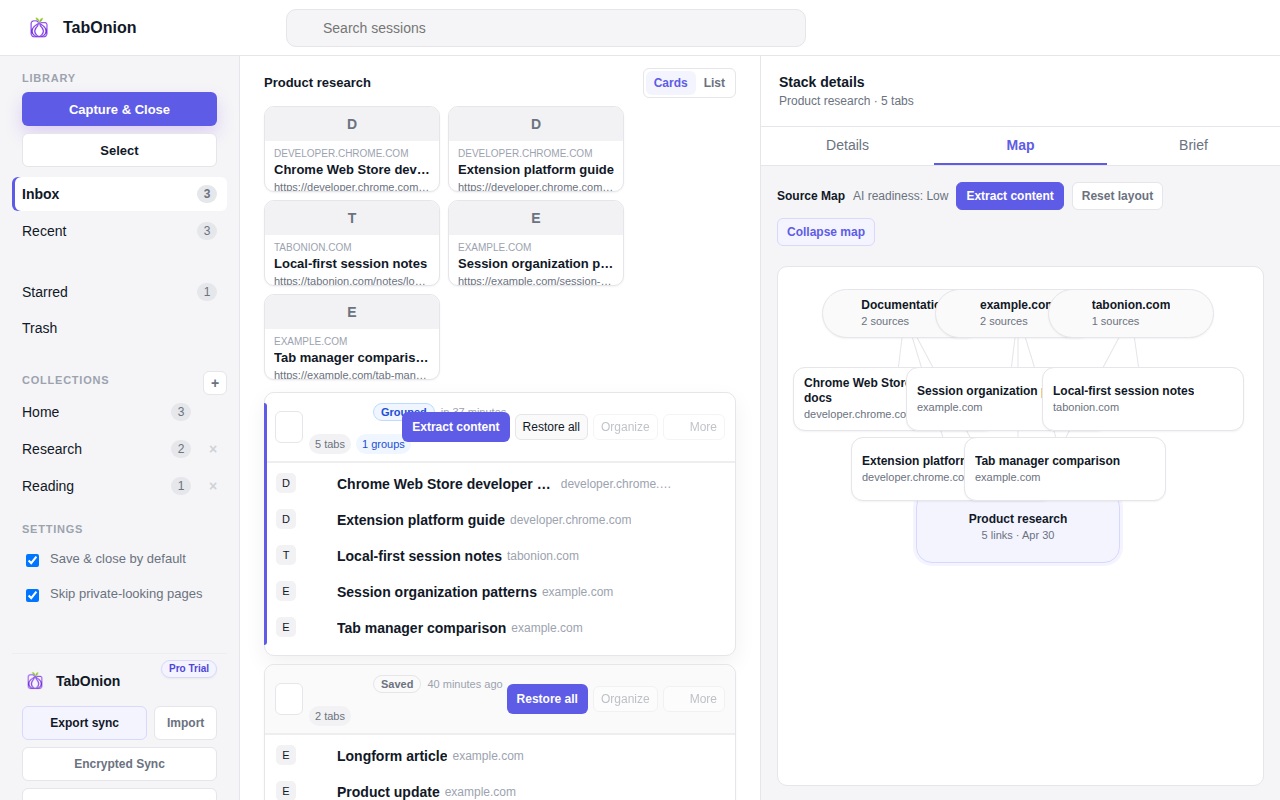
A source stack is a saved, reviewed set of selected browser tabs. It keeps the links visible so you can restore the work, copy links, export Markdown, or prepare a cleaner source list for AI.
Short answer
TabOnion helps you capture only the tabs that belong to one task, close the visual clutter, review the saved source list, and reuse it later through restore, copy, Markdown export, or an explicit AI workflow.
Capture should happen at the moment you still remember why the tabs matter.
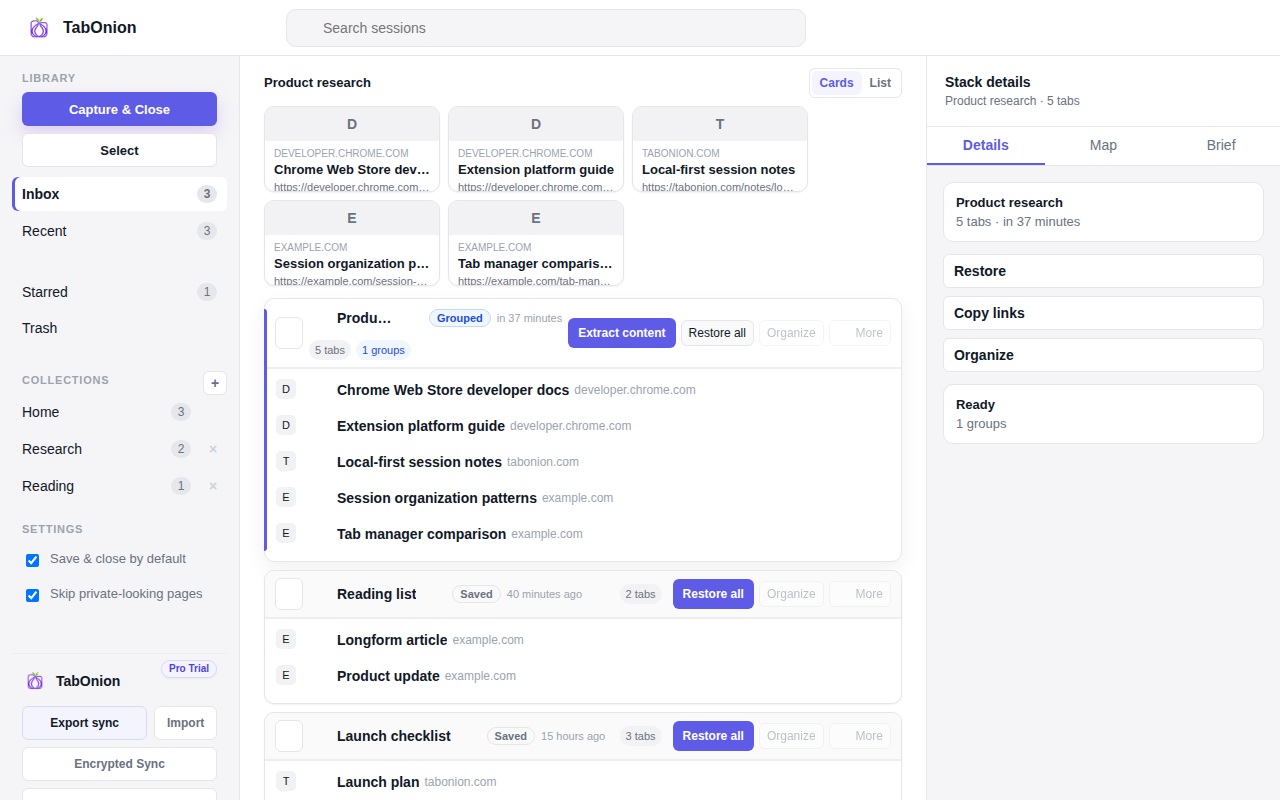
Saved stacks are reusable work states, not permanent bookmarks for every page.
AI-ready context starts with visible sources and user review, not automatic upload.
Basic capture is about selected tab titles and URLs. Page-body extraction, Markdown layers, and AI handoff should be explicit actions when the user wants them.
Bookmarks are long-term references. Source stacks are active work states: temporary, named, restorable, and useful for handoff into writing, support, research, or AI workflows.
A flat list answers “what was open?” A reviewed source stack answers “what evidence belongs to this task, and what can I safely do next?”
A source stack is a saved set of selected browser tab titles and URLs organized around one task, question, project, or decision.
No. TabOnion should not transfer cookies, passwords, authentication sessions, form input values, or third-party session tokens.
No. AI and Markdown export are explicit user actions. The source stack gives you a cleaner starting point.